APIs
The APIs section is where you connect to REST APIs and non-SQL datasources. It sits alongside SQL tables: use SQL tables for relational databases, and APIs for everything else.
What you can connect
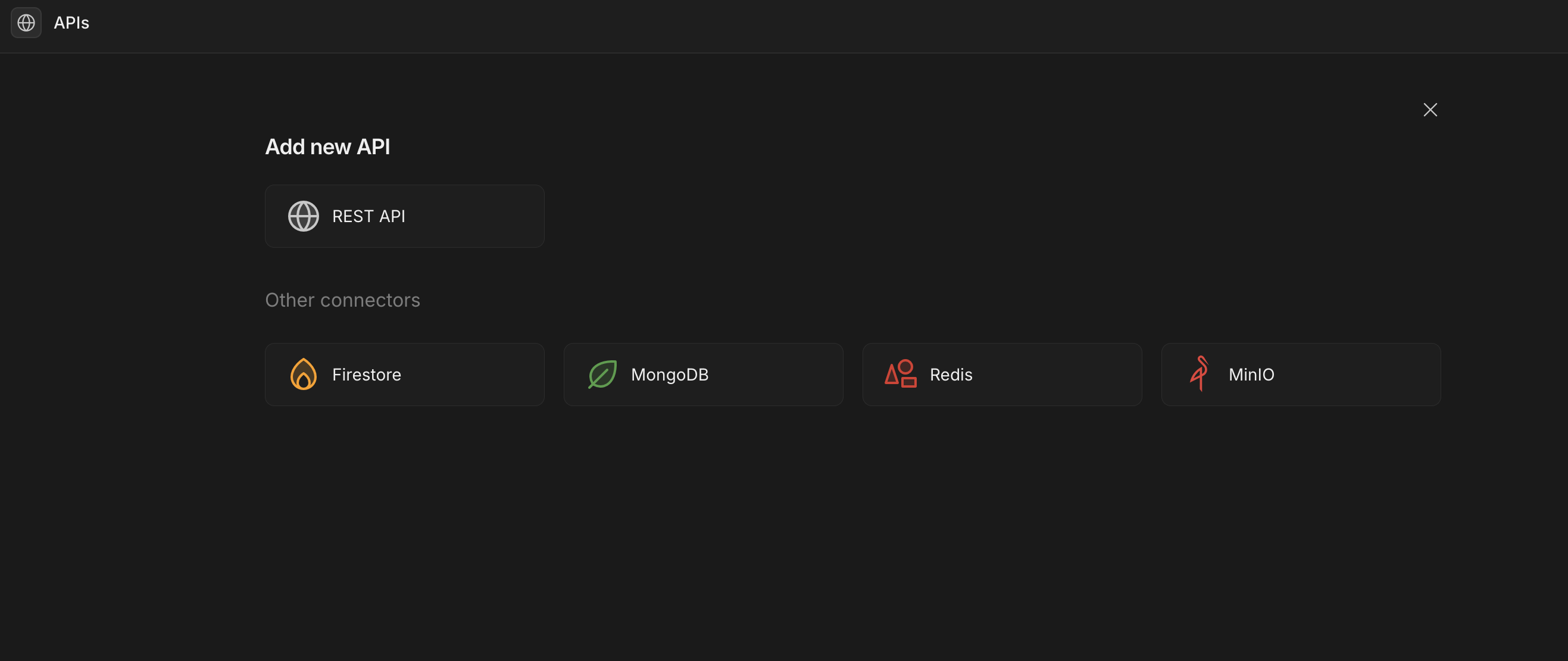
Selecting + in the APIs section opens the Add new API dialog:
- REST API — connect to any external HTTP/REST service and build reusable queries.
Under Other connectors you can also connect these non-SQL datasources:
- Firestore — Google Cloud Firestore.
- MongoDB — document database.
- Redis — key/value store.
- MinIO — S3-compatible object storage (also used for file uploads).
How it works
Each connector is configured once with its connection details (credentials, base URL, hosts, and so on). You then create queries against the connection — for example a REST request, a MongoDB find, or a Redis command — and bind those queries to components in your apps.
Saved queries appear under their connection in the navigation, ready to reuse across screens.
Next steps
- REST APIs — connect and query external HTTP services.
- Other connectors — Firestore, MongoDB, Redis and MinIO.